
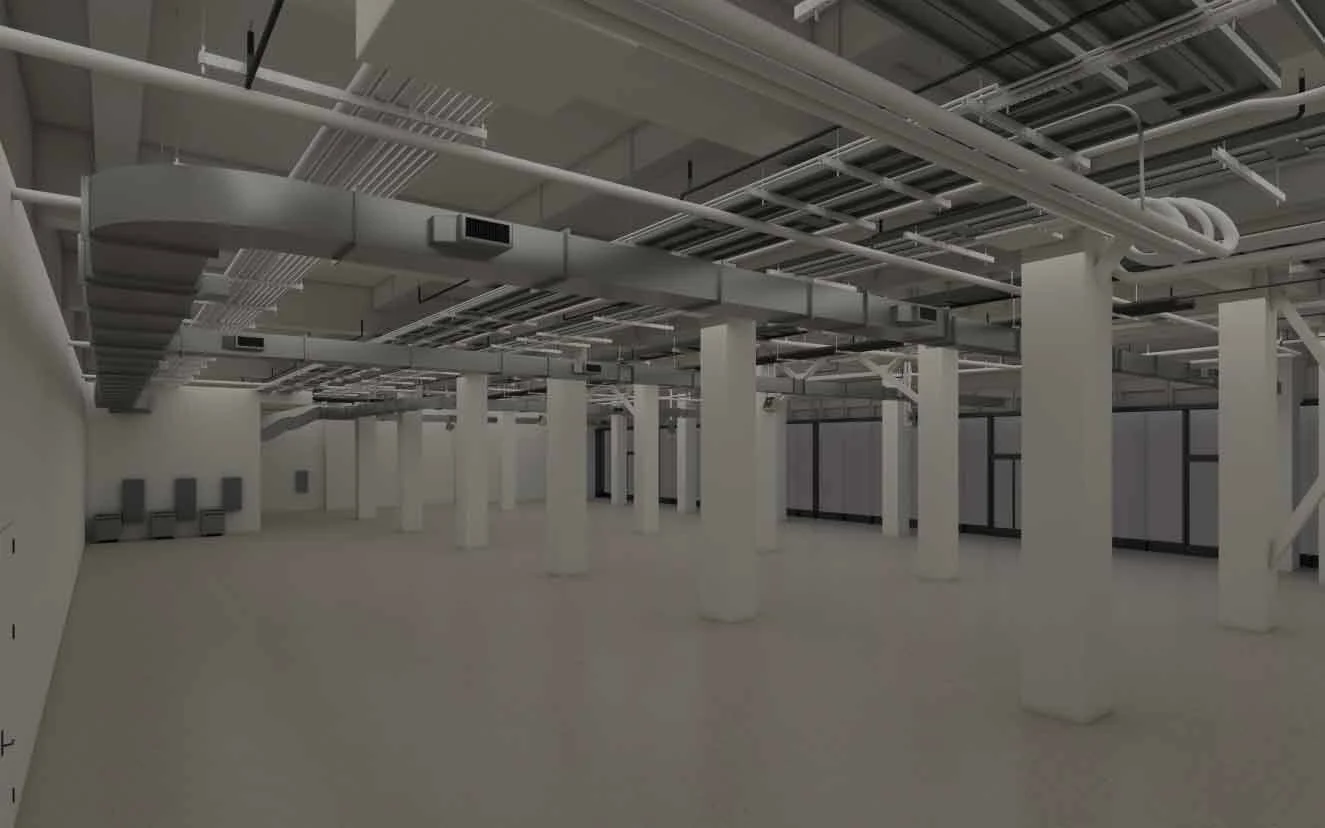
STEP 2: MODELING
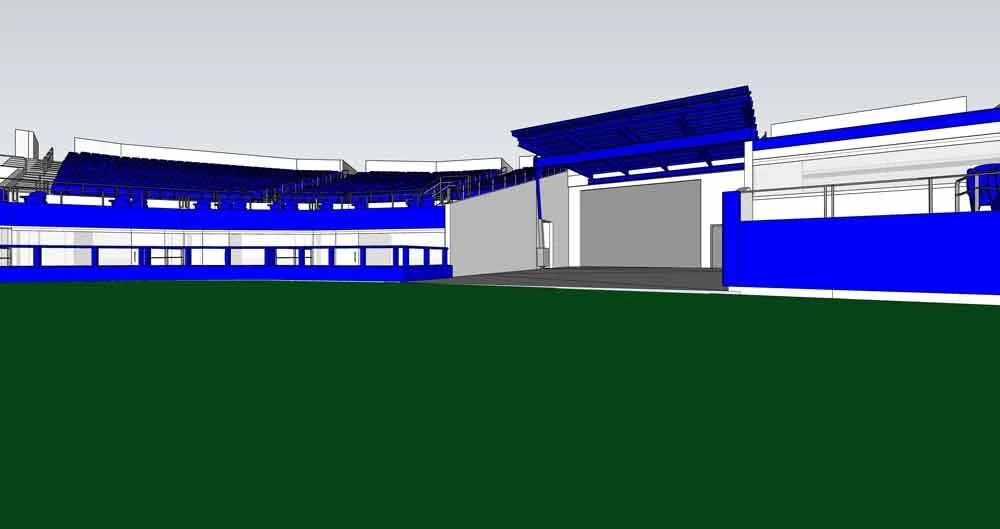
Initial 3-D CAD rendering
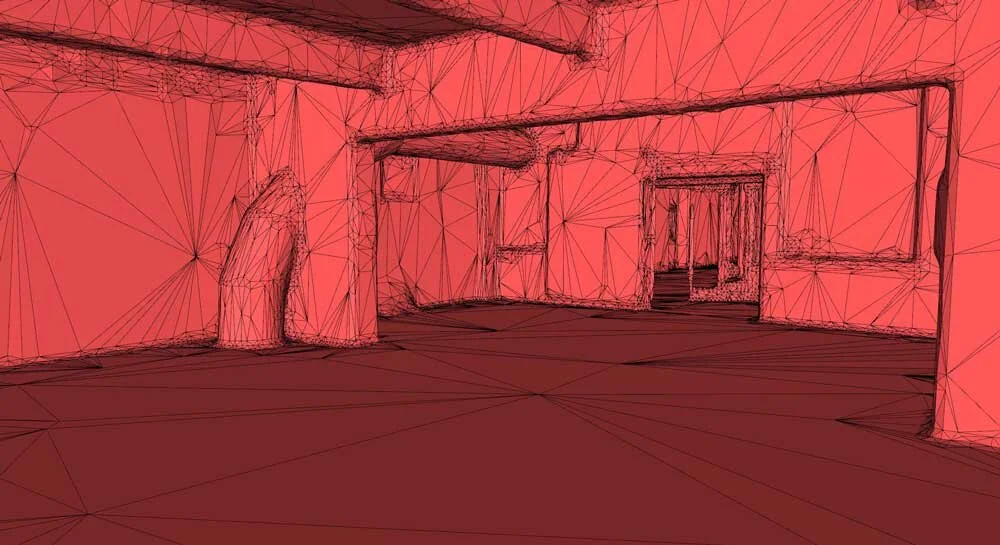
Automated Mesh – No Layers
MODELING PROCESS:
Registered Point Clouds are then taken into CAD programs and converted into Surface models. This process reduces the overall file size while at the same time making it more user friendly. Layer Pallets are used to organize the newly created objects into a simple 3D file.
In some instances, there is the need to either model the geometry that has been scanned or add new geometry that is modeled elsewhere. The time it takes to model the scan geometry is very dependent on what the end use is and what is being modeled. Walls and ceilings obviously take less time to model than chairs and trees. Likewise, a simple model for general clearances takes less time than modeling with the intention to create a new custom fit component. Generalizing the time it takes to model isn’t practical because there are just too many variables to account for, an estimation on a case-by-case basis probably makes the most sense for this. We perform our modeling in either AutoCAD or EdgeWise. EdgeWise is ideal for structural steel shapes like beams and pipes. AutoCAD doesn’t have very many point cloud modeling tools so it usually ends in the user tracing or matching the scan data. AutoCAD can also be used to insert existing geometry into the scan data. The time that it takes to use a scan in AutoCAD is largely dependent on the size of the scan.