
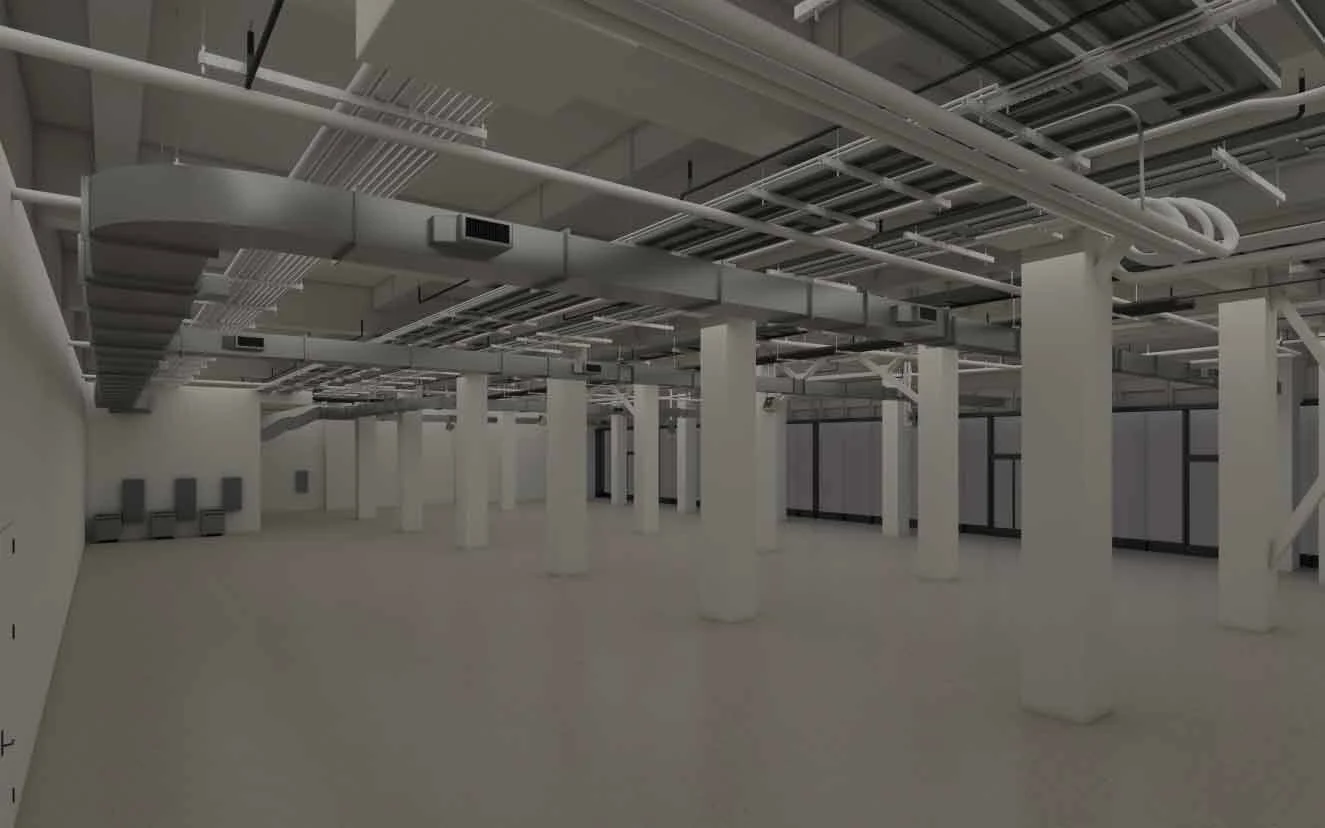
STEP 1: SCAN
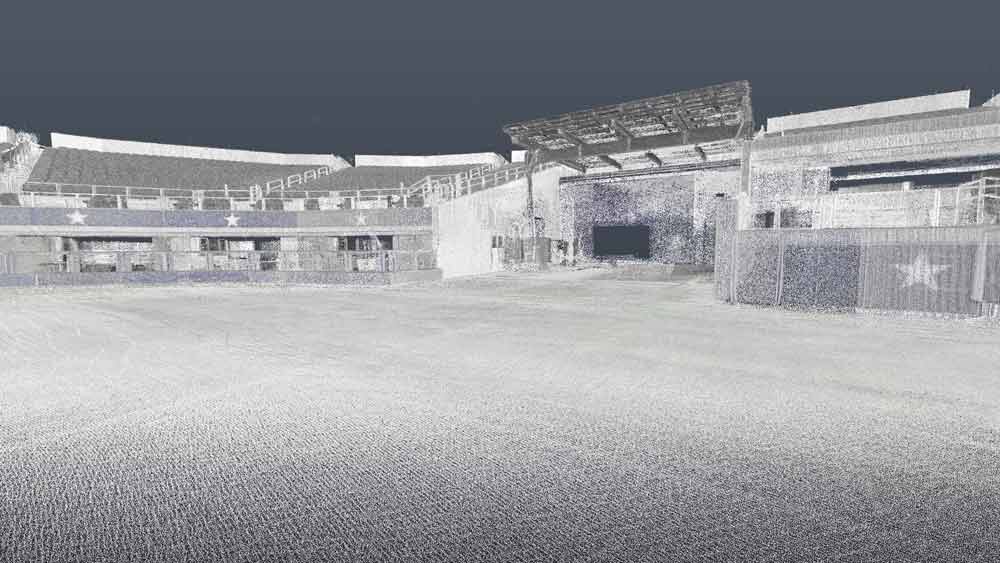
Scanned 3-D Point Cloud Environment
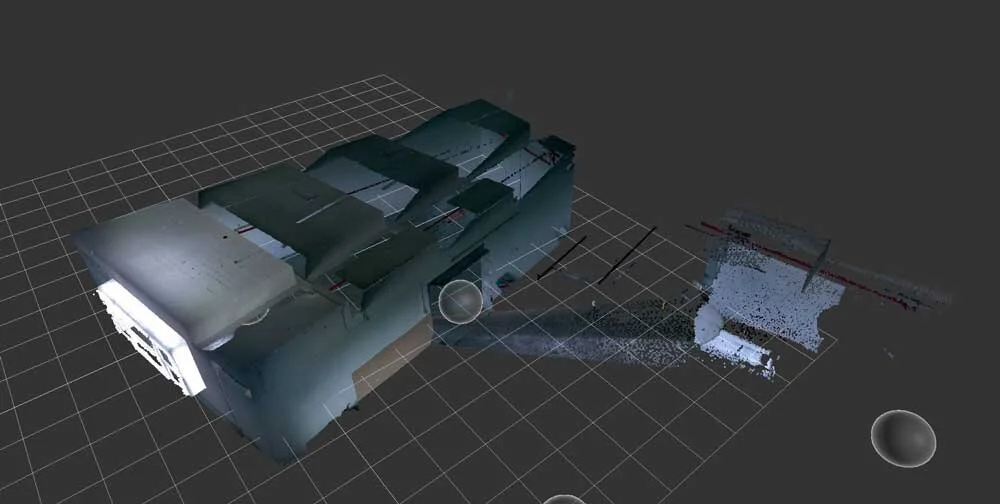
Deliverable: Unregistered scan data
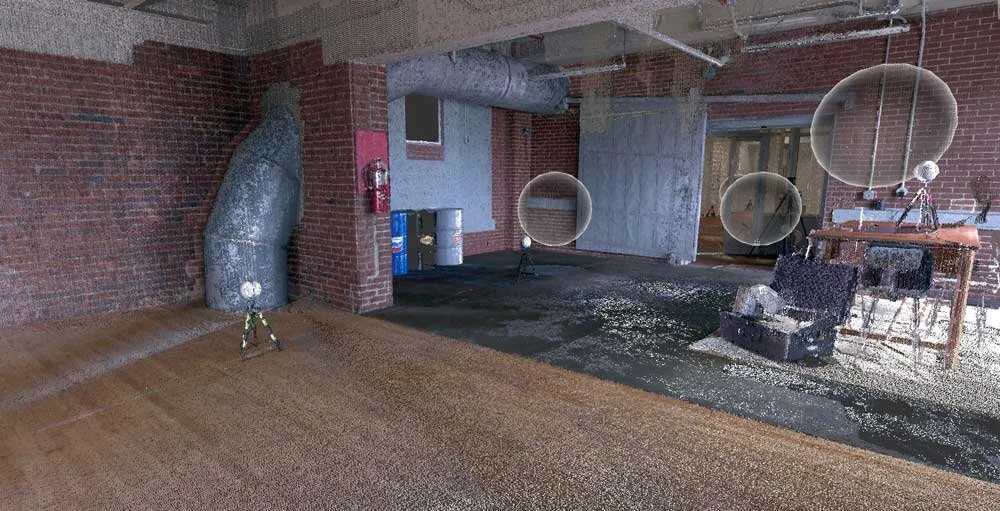
Deliverable: Registered Point Cloud (Unmodified)
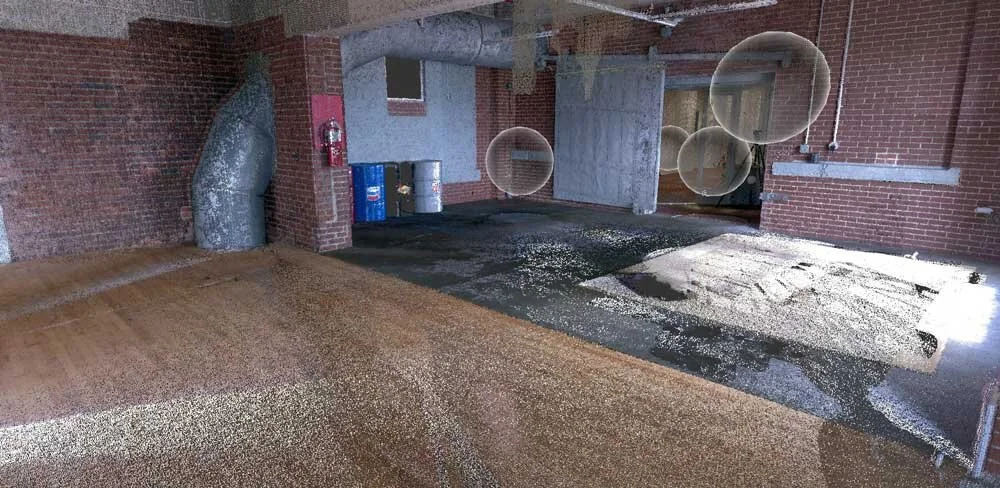
Deliverable: Registered Point Cloud (Cleaned)
A scanning project consists of four major steps:
Scanning:
Scanning is the work done on site in the area of interest. With the scanner we own, (1) individual scan in color takes about 4.5 minutes. If it is a scan that requires the use of targets (typically outdoors) then another 1-2 minutes would be added to each scan. If the work is being done by a team of two people that additional time can be cut down to about 30s.
Utilizing LiDar Technology, a 3D environment (made up of millions of individual points) is created. This Point Cloud is then Registered with all other clouds that make up the scanned area. The full registered Cloud can then be used to pull dimensions, check for conflicts, or be used to Visualize the scanned area.
File Transfer:
Once the scans are complete, the files need to be transferred from the scanner (BLK 360), to the iPad Pro (ReCap Mobile), to the computer (ReCap Desktop). There is no other way to complete this step with the scanner and software that we own. There are other models of scanners that allow you to save the files to the computer directly from a USB drive. There is also software available from Leica (Register 360) that allows a file transfer directly from the scanner to the computer. The file transfer process is largely unattended as it mostly operates in the background while the user does other things.
Registration:
Registration is the process in which the individual scans are assembled together into one coherent master scan. The software we own to do this is ReCap Desktop. Depending on what is being scanned, this process can either be very automatic or very time consuming. If the scan is of an interior space or contains well defined geometry (like walls, floor, and ceiling), the computer will more than likely be able to assemble the scans on its own through a process known as “cloud to cloud” registration. Cloud to cloud registration still requires that the user confirm the end results just in case the software makes an error. When the scan is done on something like a field, there is very little geometry that the computer can confidently use to put the scans together which is why we tend to use the sphere targets in this instance. Registering with the targets requires that the user name all the targets used in the scan in ReCap Desktop. This takes about 1-2 minute per scan. The computer assembles the scans together once the targets are all named. After both the cloud to cloud and target registration the software needs to “index” the scans to complete the assembly process. Indexing is an unattended process but takes about 2-3 minutes per scan. There are higher end scanners that allow the user to register the scans in the field.
Measuring:
In some instances, scan data is only needed to take measurements. Measurements can be taken directly in ReCap.
*All Scanning projects are specific to client needs and cannot be accurately quoted without an overall scope of work that include:
- Size of site – Will determine what scanner is necessary & The amount of time needed onsite
- Level of detail – Site scans that require inclusion of HVAC & other types of utility network will require extended amounts of time to Map / Model